For Mac & iPhone

Your couch.
Your Mac.
Your remote.

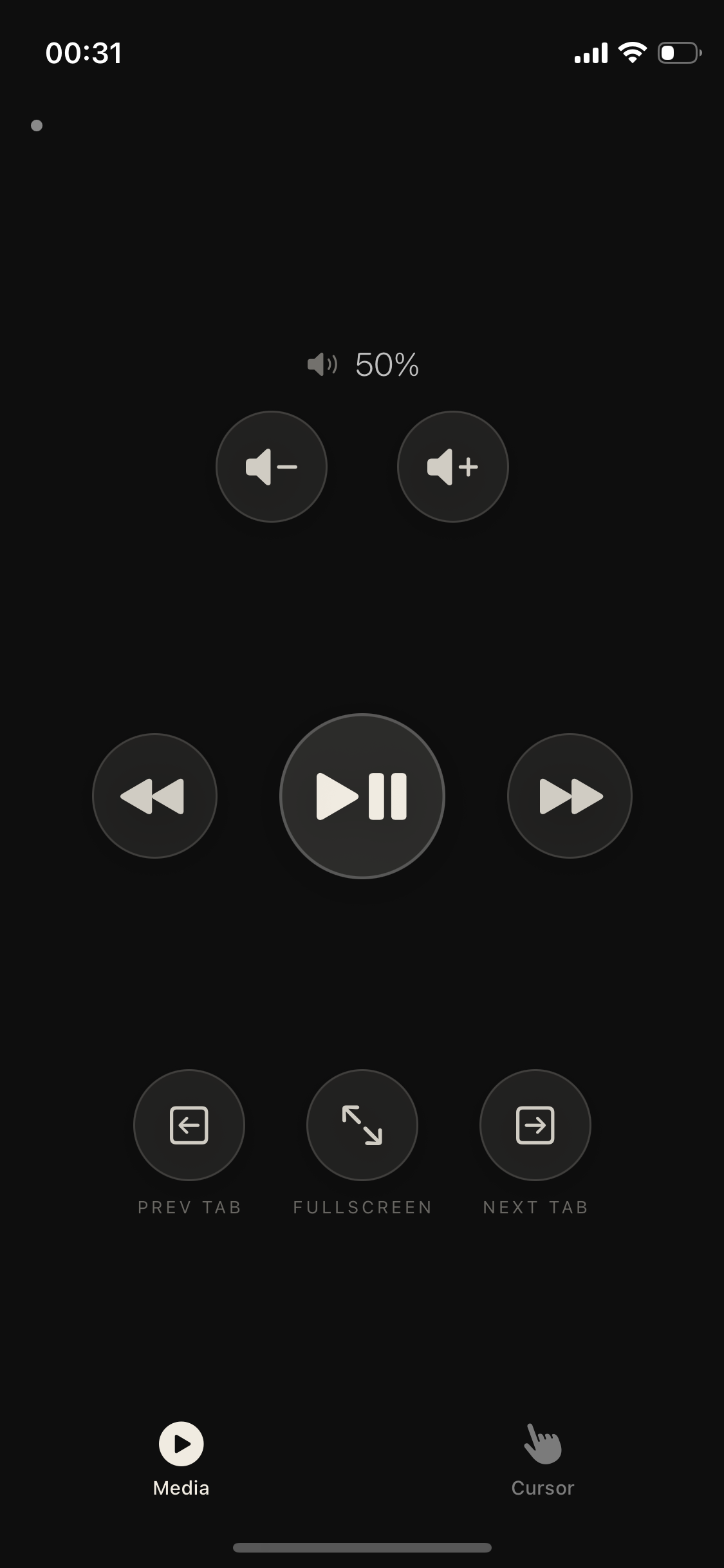
Control YouTube, Netflix, volume, and your cursor from anywhere in the room. No subscription. No account. Just your iPhone.

Download for Mac — Free macOS 12+  ·  No setup required
Homemade Remote
Media
Cursor
62
Trackpad
How it works

Three steps,
then you're done.

01

Download the Mac app

Drop it in Applications. Launch it — a small icon appears in your menu bar. That's the server, running silently.

02

Open the iPhone app

The Mac companion shows your local IP. Enter it once. The app remembers it — you'll never type it again.

03

Sit down. Take control.

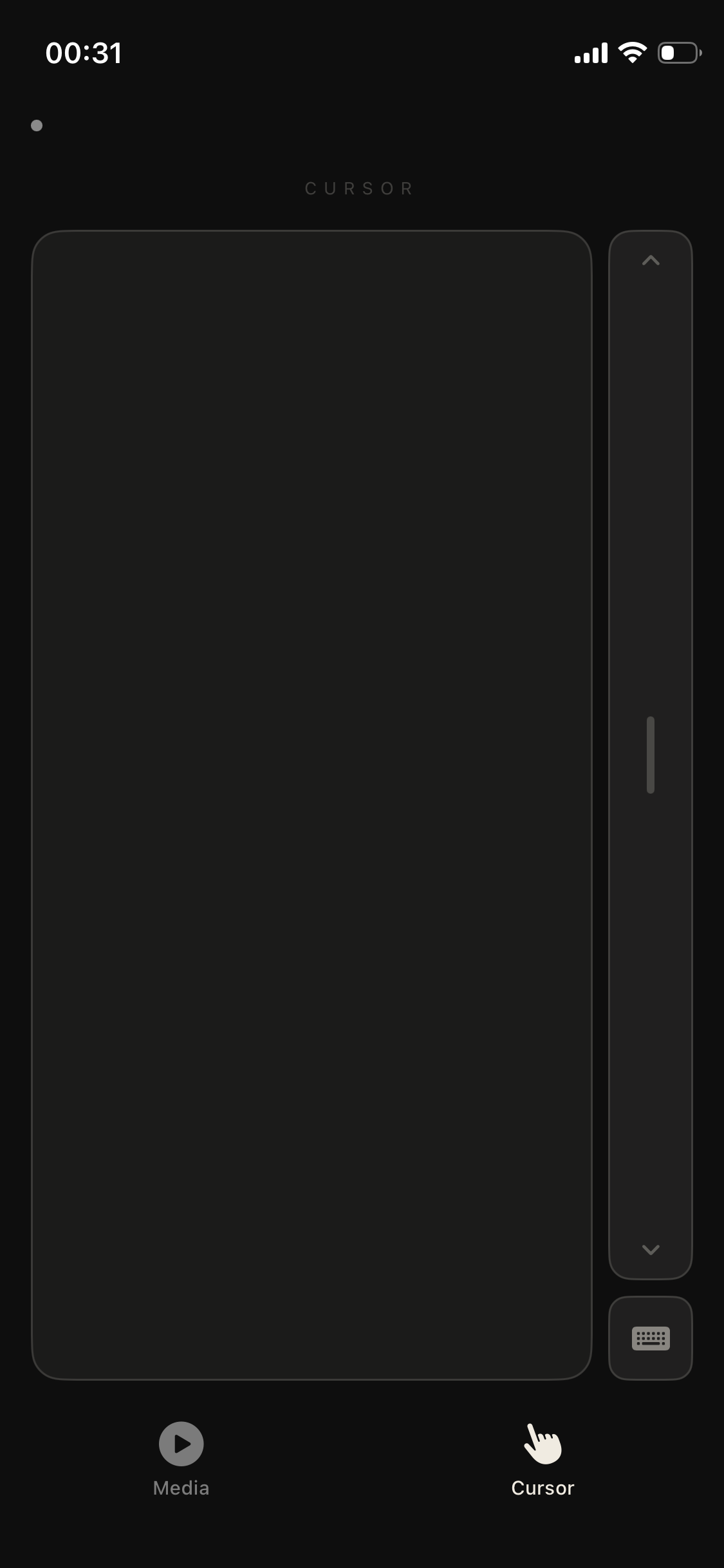
Media tab for playback and volume. Cursor tab for full trackpad control. Works instantly over your local WiFi.

Features

Everything you
actually need.

Media Controls

Play, pause, skip, volume — built for YouTube and Netflix in Chrome. Fullscreen and tab switching too.

Full Trackpad

Smooth cursor with acceleration. Single tap, double-tap, scroll strip. Feels like a real trackpad.

Keyboard Input

Tap to bring up your iPhone keyboard. Type into any app on your Mac. Hold to delete. Works everywhere.

Local WiFi Only

Commands never leave your home network. No cloud, no relay servers, no latency surprises. Pure local.

No Account

No sign-up. No subscription. No tracking, no analytics. Download and run. That's it.